MCP, Design Systems, and Generative UI

Recently, I experimented with Figma’s official MCP (Model Context Protocol) server in tandem with the dt design system, and the results were eye-opening. By enriching the components with machine-readable metadata directly within Figma, I unlocked a new layer of semantic clarity — not just for designers, but for tooling and automation as well. This integration allowed me to embed context such as intent, behavior, and variant logic directly into each component.
When combined with a well-structured design system, this metadata forms a bridge between design and development that’s both expressive and efficient. It fundamentally shifts how we think about handoff: instead of static specs, we’re enabling a pipeline where components carry the instructions needed to generate real code or configure runtime behavior. This shift opens the door to smarter tooling, automatic documentation, and even generative UI workflows — all grounded in the source of truth that lives inside the design system.
The Problem with the Current Workflow
Even with well-documented systems, the handoff from designer to developer often involves a layer of translation—interpreting visual intent, cross-referencing token usage, and validating component variants. It’s a process that still relies heavily on human interpretation and manual alignment. Small details, like the exact padding on a card or the semantic use of a color token, can easily slip through the cracks, leading to inconsistencies in implementation. These discrepancies not only require back-and-forth to resolve but can also erode trust in the system itself. As a result, iteration slows down, and teams spend more time fixing gaps than pushing the experience forward.
What MCP Changes
MCP exposes design file data directly to code assistants. Instead of referencing screenshots or static specs, the assistant consumes real components, variants, and tokens right from Figma.
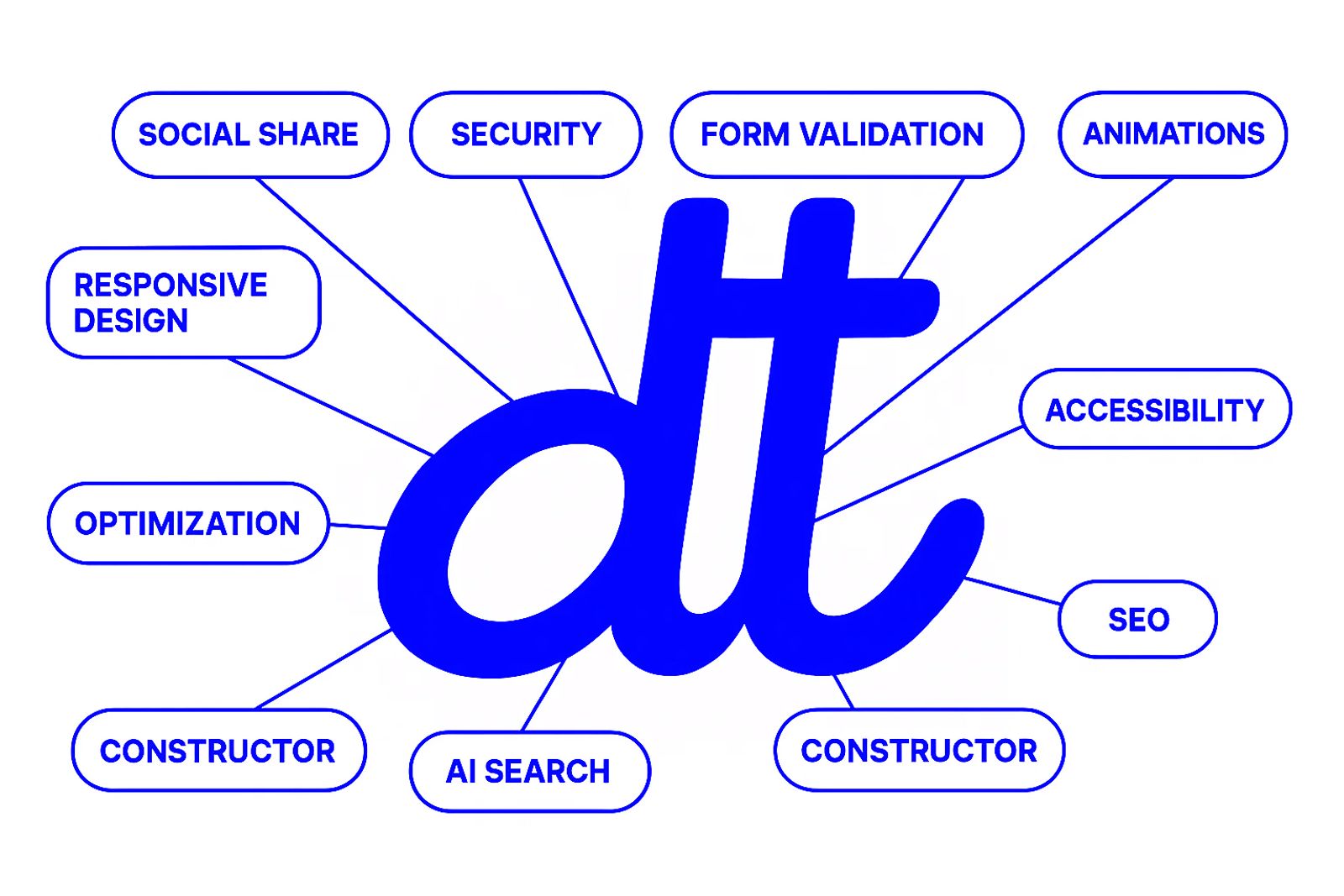
This means the AI can generate code that’s not just visually accurate, but also semantically aligned with the design system’s intent. It understands how components relate to each other, what variants are available, and how tokens should be applied.
In the trials I dropped a component URL into the editor and watched as it generated a nearly complete web component. Minor styling fixes aside, it was surprisingly production ready.
Design Systems as the Enabler
A consistent design system gives the MCP data meaning. Clear token names and predictable component structure help AI tools map design choices to code without guesswork.
Generative UI with Natural Language
I took it a step further by connecting the output to a local tool that generates layouts from text prompts. Typing “Build a login form” or “Create a three column feature grid” produces a quick preview that respects my components and styling conventions.
This Isn’t About Replacing Roles
Engineering still plays a critical role in refining the output, ensuring performance, scalability, and maintainability, while design continues to shape and own the overall user experience. But what’s changing is the nature of that collaboration. By automating the repetitive and predictable parts of the workflow — the boilerplate code, standard layout scaffolding, and component wiring — we’re reclaiming valuable time and cognitive energy. This gives teams space to focus on what actually matters: the edge cases that define polish, the accessibility nuances that ensure inclusivity, and the product vision that ties everything together into something coherent and meaningful. Rather than getting bogged down in tactical execution, both designers and developers can engage more deeply in strategic problem-solving, exploring interactions, flows, and ideas that elevate the product beyond the expected.
Where We’re Headed
At least my personal goal is to make this workflow approachable for bigger teams. With stable tools and repeatable patterns, the gap between idea and implementation keeps shrinking. It’s an exciting time to rethink how we collaborate—and MCP's are a big part of that conversation.☻

Expert | Design Systems | UX Strategy & Design Ops | AI-Assisted Workflows | React, TypeScript & Next.JS Enthusiast | Entrepreneur With +15 yrs XP years, I specialize in platform agnostic solutions and have a track record in building and scaling Design Systems, DesignOps, AI Solutions and User-Centric Design. My expertise spans UX/UI, Branding, Visual Communication, Typography, DS component design & development and crafting solutions for diverse sectors including software, consultancies, publications, and government agencies. I excel in Figma and related UX/UI tooling, driving cross-functional collaboration with an accessibility and inclusive design mindset. Currently, I lead Design Systems and AI-integration initiatives for both B2B and B2C markets, focusing on strategic governance and adoption. I’m expanding my technical skillset in React and TypeScript, working closely with developers to build reusable and scalable design system components. I also explore how GenAI can support UX and Design Ops.
View profile